mark Alex
Smart thermostats are one of the easiest high impact upgrades for a modern home. This guide walks homeowners through why they matter, how to choose the right model, installation basics, and tips to get consistent energy savings without sacrificing comfort.
Why choose a smart thermostat
Smart thermostats learn household patterns or follow schedules to reduce wasted heating and cooling. They go beyond programmable units by using sensors and cloud data to adapt to occupancy and weather changes.
For most owners a smart thermostat means lower energy bills, better comfort control from anywhere, and integration with voice assistants and home automation platforms.
Key features to look for
When comparing models consider compatibility, remote app control, learning algorithms, geofencing, and whether the thermostat supports multi stage HVAC setups. Battery backed memory and over the air updates are practical benefits to expect.
Prioritize features that match your priorities. If you value convenience, look for reliable app control. If savings matter most, choose models with proven learning and scheduling performance.
- Essential: HVAC compatibility, Wi Fi connectivity, clear scheduling
- Nice to have: Room sensors, occupancy detection, energy reports
- For advanced setups: Zoning support, API or local integrations
Compatibility with HVAC systems
Not every smart thermostat works with every system. Check whether your furnace, heat pump, or multi stage equipment needs a common wire or specific wiring terminals. Many modern thermostats require a C wire for consistent power.
If your system lacks a C wire there are adapter options or models designed to work without one, but confirm compatibility before purchase to avoid extra service calls.
Installation overview
Installation is straightforward for many homeowners with basic wiring knowledge, but complex systems or two stage heat may be better handled by an HVAC pro. Always turn off power at the breaker before removing the old thermostat.
Typical steps include removing the old unit, labeling wires, mounting the new base, connecting wires to corresponding terminals, and completing setup through the thermostat app or on device. If you are uncomfortable with wiring, schedule a professional install.
- Turn off power, photograph existing wiring, label each wire
- Mount new thermostat, attach wires to matching terminals, restore power
- Follow app prompts to configure Wi Fi, temperature schedule, and integrations
Smart thermostat and energy savings
Smart thermostats can reduce heating and cooling costs by optimizing setpoints and limiting runtime during unoccupied hours. Savings depend on local climate, home insulation, and how aggressively schedules are set.
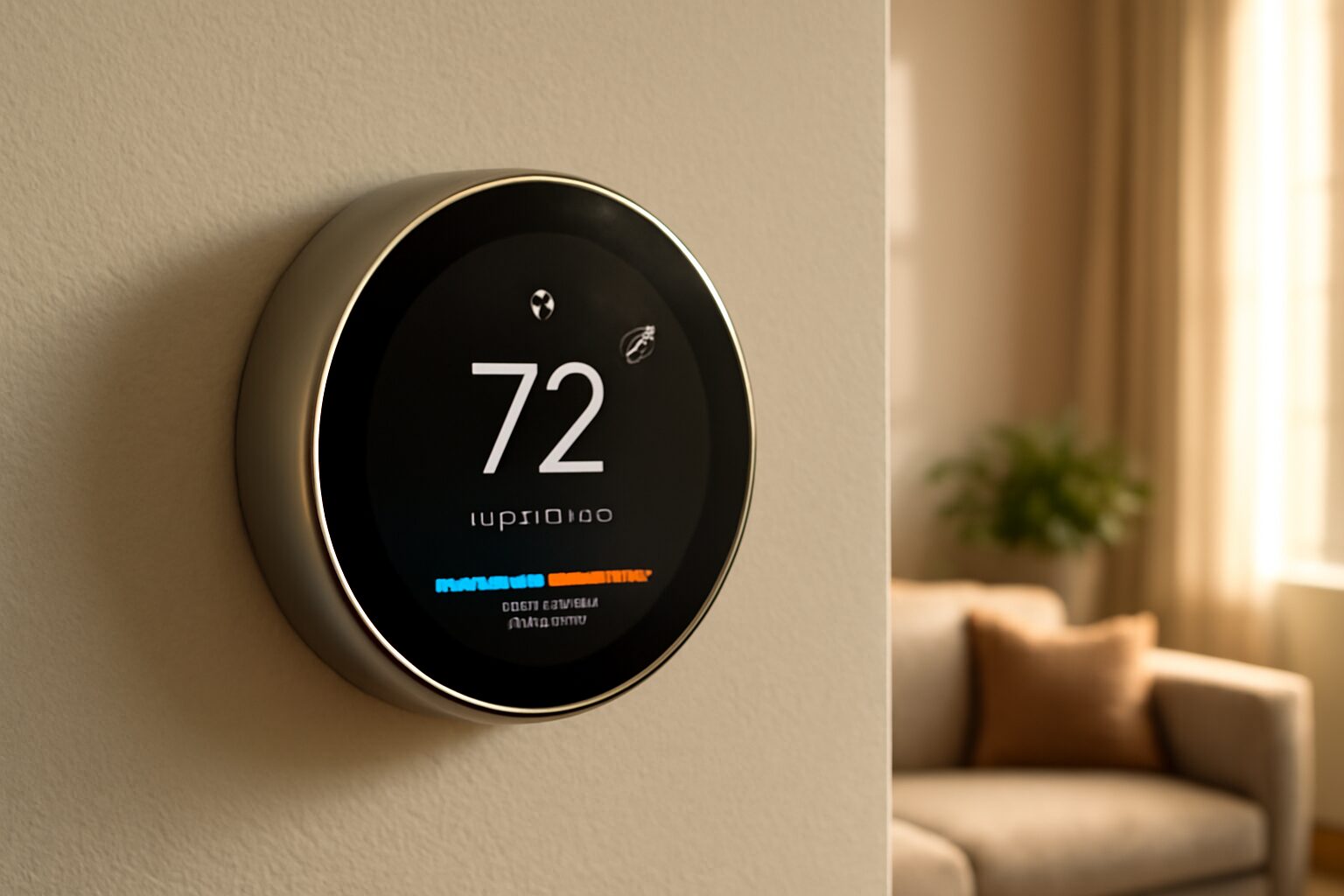
Expect modest immediate savings and improved returns over time as the device learns patterns and corrects inefficient behavior. Regularly review energy reports and adjust schedules for peak efficiency.
Integrations and smart home compatibility
Most smart thermostats integrate with major ecosystems like Alexa, Google Home, and Apple HomeKit, enabling voice control and automation routines. Check whether a model supports the specific ecosystem you already use.
Beyond voice, integration allows triggers such as turning down heat when a security system arms or coordinating with smart vents and sensors for whole home comfort management.
Best settings and schedules
Set conservative setbacks for sleeping and away periods, typically 7 to 10 degrees lower in winter or higher in summer, to maximize savings while maintaining comfort. Fine tune schedules after two weeks of data collection from the thermostat.
Use temporary holds when guests visit, and enable geofencing only if your household consistently carries phones. Balance automated learning with manual adjustments so the thermostat does not reinforce unwanted patterns.
- Recommended: 7-10 degree setback for extended absences
- Use: Auto-away, smart recovery, and scheduled temperature bands
- Avoid: Over-reliance on short term holds that confuse learning algorithms
Common troubleshooting tips
If your thermostat loses Wi Fi, first reboot the device and router, then verify network credentials and frequency band. Some thermostats do not support 5 GHz networks, so check requirements in the manual.
For temperature accuracy issues, recalibrate if the device supports it, check placement away from drafts and direct sunlight, and verify that remote sensors are positioned correctly to reflect living spaces rather than closets or vents.
Cost versus long term savings
Smart thermostats range from budget models to premium learning units. Upfront cost is typically recouped over several years through reduced energy use, especially in households with regular absence patterns.
Estimate payback by comparing annual heating and cooling bills, expected percentage savings from manufacturer tests or independent reviews, and local energy rates. Factor in rebates from utilities that often lower initial cost.
FAQs
Below are common homeowner questions with concise answers to help you decide and maintain a smart thermostat.
- Q: Will a smart thermostat work with my old furnace? A: Many will, but confirm terminal compatibility and whether a C wire is required; an HVAC professional can verify complex systems.
- Q: Do smart thermostats really save energy? A: Yes, when used correctly they reduce wasted runtime and optimize schedules, though savings vary based on climate and habits.
- Q: Is my data safe with a smart thermostat? A: Manufacturers vary; choose brands with transparent privacy policies, local control options, and secure cloud practices.
- Q: Can I install one myself? A: Many homeowners can, by following instructions and labeling wires, but hire a pro for complicated wiring or multi stage systems.
In conclusion, smart thermostats are a practical upgrade that blend convenience, cost savings, and deeper integration with home automation. Choosing the right device means matching features to your HVAC type, connectivity needs, and comfort preferences. Installers and DIY owners should prioritize compatibility checks and proper placement to avoid inaccurate readings and connectivity issues. After setup, commit to reviewing schedules and energy reports for at least a month so the device can learn and adapt. Reap the greatest benefits by combining reasonable setbacks, occupancy detection, and occasional manual tuning. Overall, a smart thermostat improves daily comfort and often pays for itself through reduced energy use over time, especially when paired with insulation and efficient HVAC maintenance.